Step by step, in the app
Snap or choose a photo
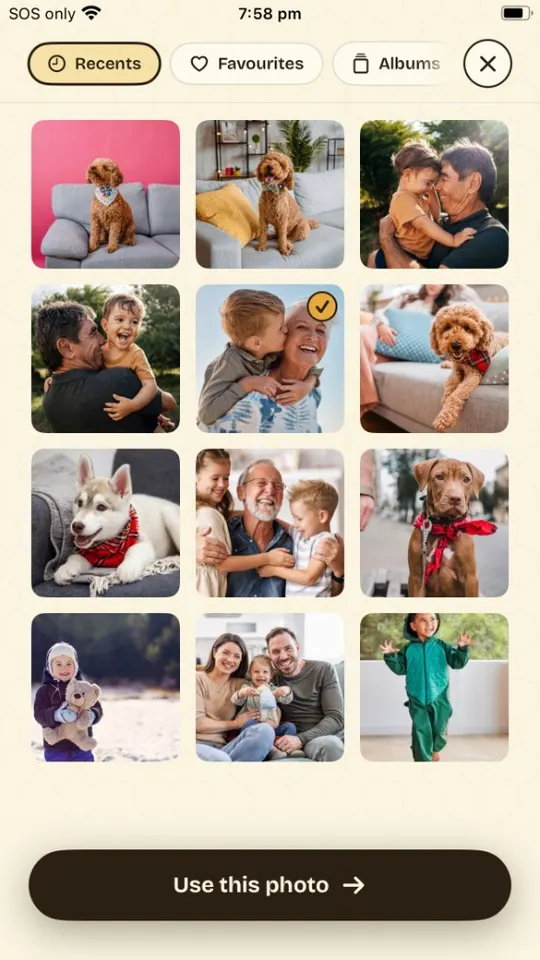
Open SketchBee and tap Snap a photo— or pick one from your camera roll. Anything with a clear subject works: kids, pets, a favorite toy, today's trip to the park.
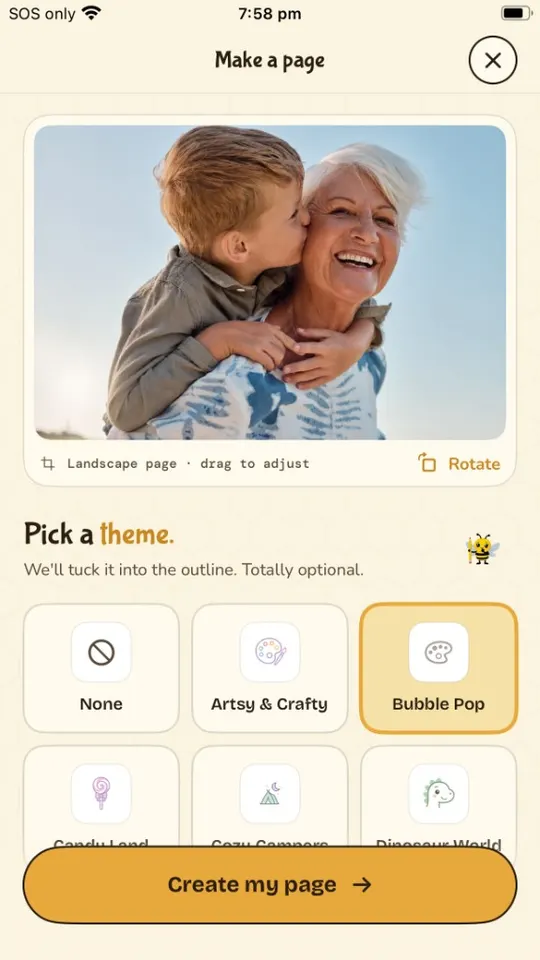
Pick a theme (or don't)
Themes tuck a little magic into the outline — princess castles, dinosaurs, outer space. Skip it for a faithful line drawing of the photo as-is.
Let Buzzy draw the lines
Buzzy turns your photo into a clean, kid-friendly outline in about 30 seconds. Bold lines, big spaces to color, no fussy details.
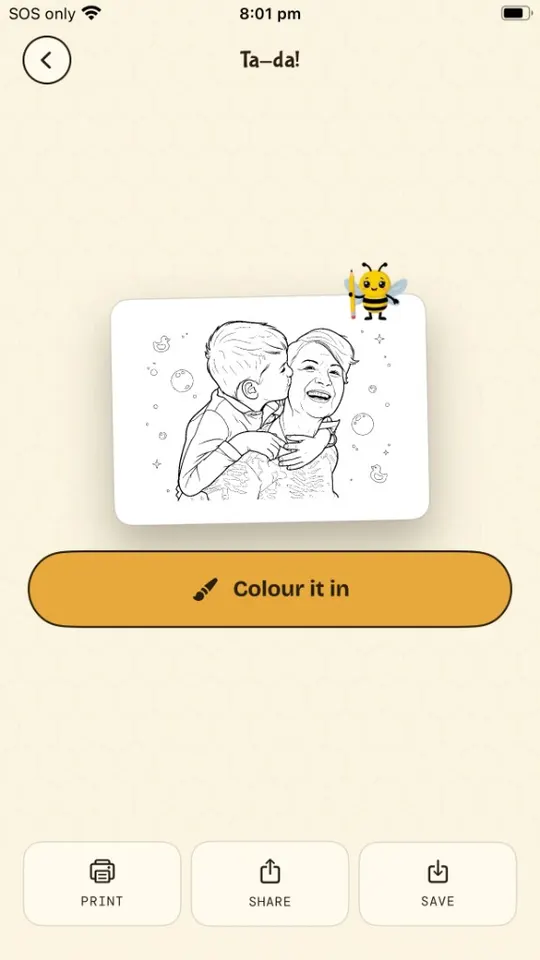
Print it — or color on screen
Tap Print to send it to any AirPrint printer, save it as a PDF, or hand over the phone and color right in the app with brushes, fills, and stickers.
Picking photos that convert well
The line drawing is only as good as the photo. A minute of choosing well beats a re-run:
- One clear subject. A kid on a slide beats a crowd shot. Faces and full bodies both work.
- Good light. Daylight photos convert best — dim or grainy shots make mushy lines.
- Simple background. Busy backgrounds become busy pages. Grass, sky, and walls stay clean.
- Get close. Fill the frame with the subject so the fun parts get big colorable spaces.
- Big shapes for little kids. For toddlers, choose photos with chunky subjects — pets, toys, one person — so the spaces are crayon-sized.
Squint at the photo. If you can still tell what it is, it'll make a great page.
Family photos
Holiday snaps, birthdays and visits from grandparents make the pages kids ask for again. Pick shots where everyone's face is visible and nobody is cut off at the edge — two or three people work well; a whole-class photo doesn't. In the examples below, the page keeps the people and simplifies what's behind them.

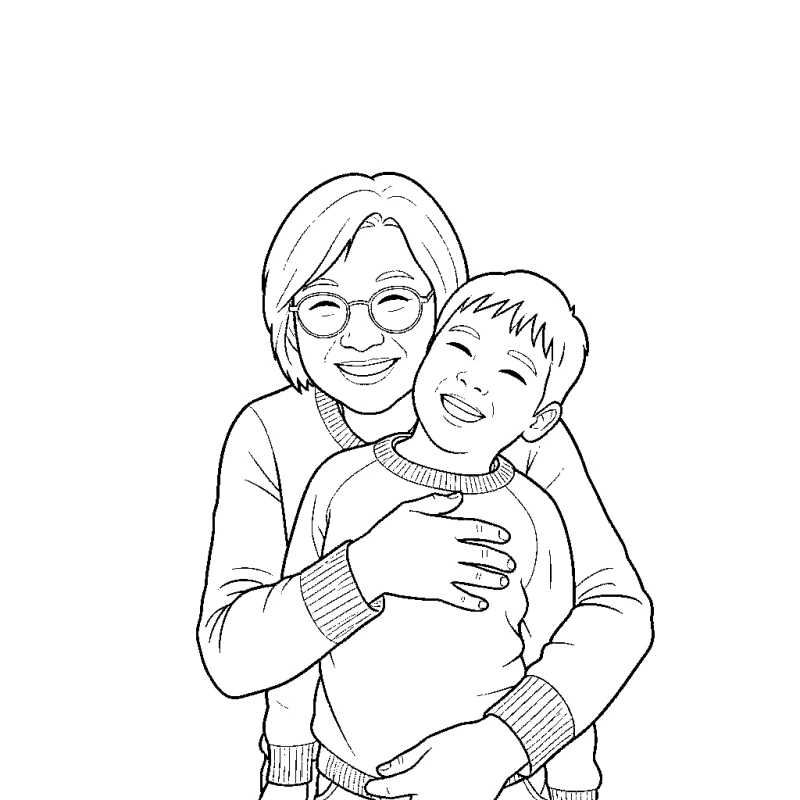
Grandma's visit
A hug in a busy kitchen. The page keeps the faces and sweaters and leaves the clutter out.

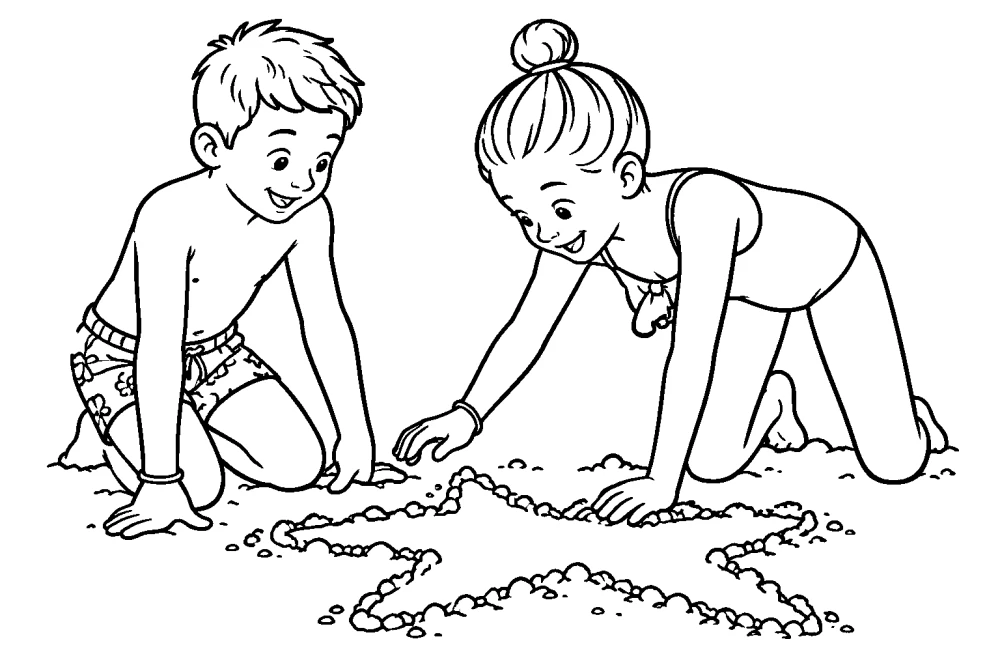
A day at the beach
Two kids drawing in the sand become one page with big, open spaces to color.
Turning pet photos into coloring pages
Pets are some of the best subjects there are — kids already know every spot and whisker. A few things make the difference:
- Get down to their level. An eye-level shot gives a face kids recognize; a photo taken from above is mostly back and ears.
- Wait for a still moment. A sitting or sleeping pet beats a mid-zoomies blur — motion blur turns into messy lines.
- Keep the background plain. A wall, the floor or the lawn. Patterned blankets and cluttered couches compete with the pet.
- Shoot dark coats in daylight. Black or dark-brown fur hides eyes and ears in dim light; near a window or outside keeps the face readable.
- Leave the collar or bandana on. Accessories give kids extra details to color, as in the example below.
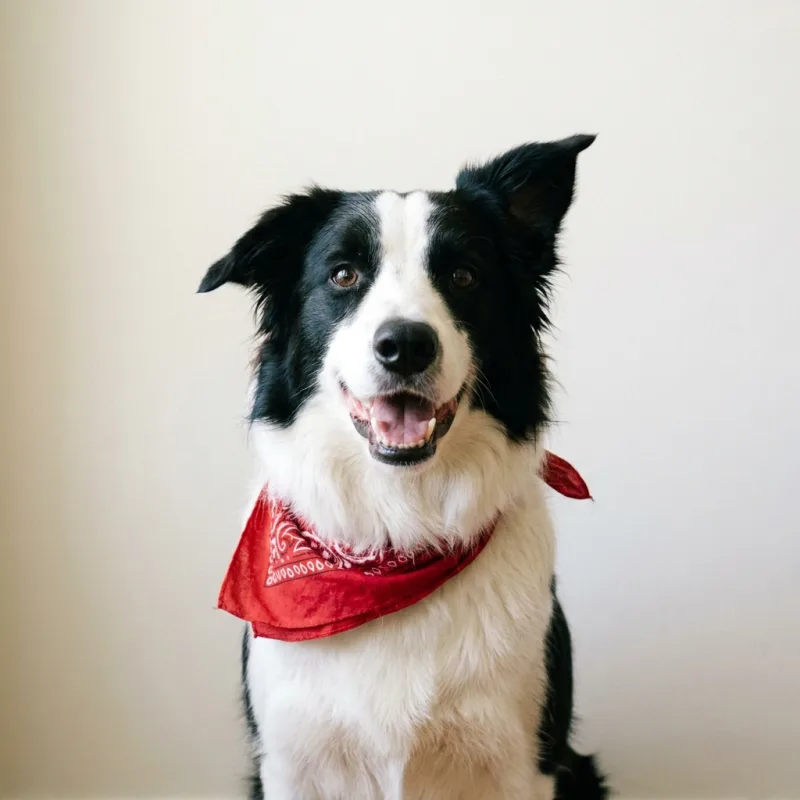
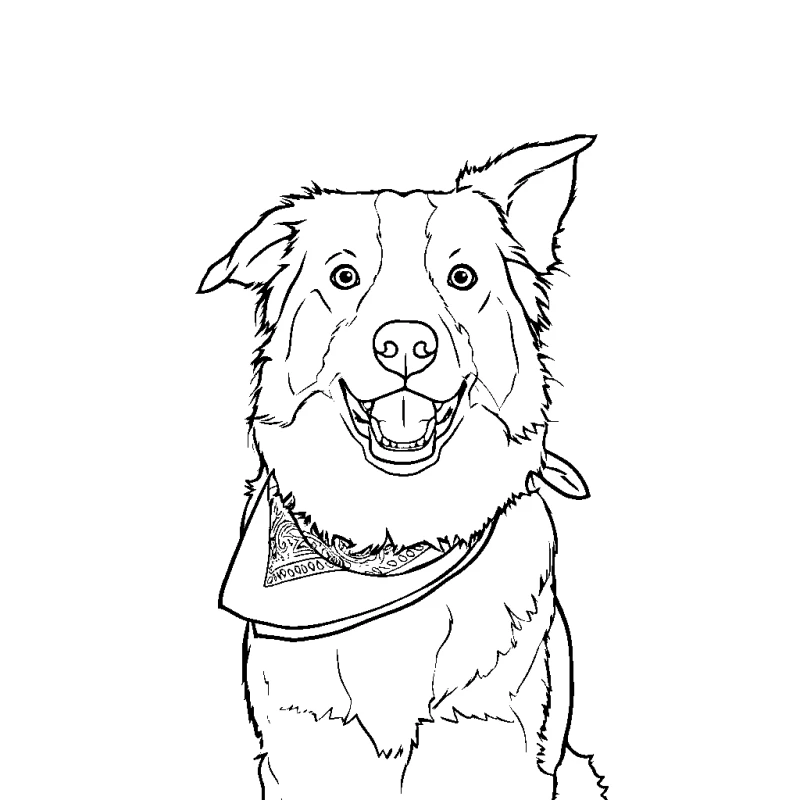
The family dog
A close-up against a plain wall. Even the bandana pattern made it onto the page.
Once the page is printed, have kids color the pet with the photo beside them to match the real markings — or go wild and give the dog purple spots. A page of the family pet also makes a thank-you card for a pet-sitter or neighbor.
Making a personalized coloring book
A stack of pages from one trip, one birthday or one year with the dog turns into a coloring book that's about your family. Here's how to put one together:
- Pick the story.A holiday, a party, "all about me", or the pet's greatest hits.
- Choose the photos. Six to ten is plenty. Mix close-ups with a couple of wider scenes, and use the photo tips above for each one.
- Make each page in SketchBee. Convert the photos one at a time, adding a theme to a page or two if you like.
- Print them together. Print straight to an AirPrint printer, or save each page as a PDF and print the set in one go.
- Bind it. Staple along the left edge, hole-punch and tie with ribbon, or slip the pages into a display folder. Let kids color the cover page last.
Print single-sided so colors don't bleed through onto the next page.
Printing tips
- Plain paper is perfect. Standard 20 lb copy paper takes crayon, pencil, and marker well. Cardstock if paint is coming out.
- Print in black & white. Pages are pure line art — grayscale mode saves your color ink.
- Use "Fit to page." Pages are sized for Letter and A4; fit-to-page keeps lines from clipping at the margins.
- No printer? Send the PDF to a pharmacy print counter, the library, or Grandma — or just color on screen.
Things to do with the pages
The story-of-today book
Turn three photos from an outing into pages, staple them, and let kids color the story of their own day at bedtime. Want a bigger one? Make a personalized coloring book.
Long-distance coloring dates
Share a page to a grandparent's iPad, print the same one at home, and color together on a video call.
Party favors that star the guests
Snap each kid at the start of a birthday party; by cake time everyone colors a page of themselves.

Or start with the free printable coloring pages.